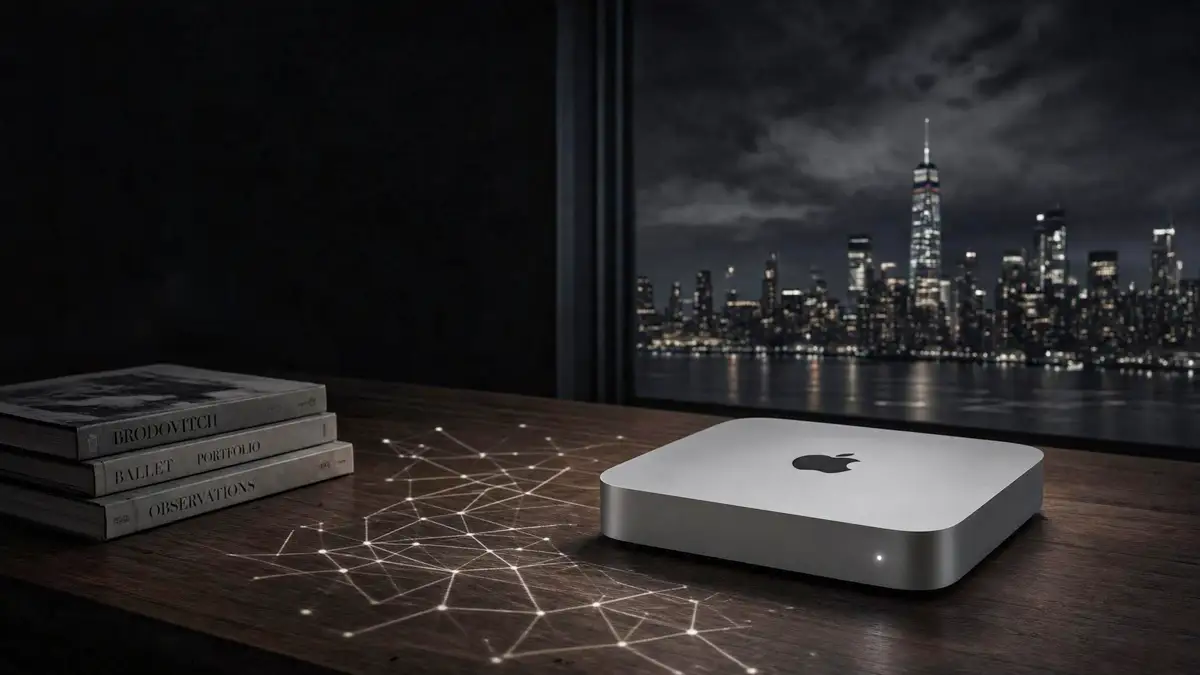

The Mac mini on your desk was never marketed as an AI machine. It doesn't have a fan-cooled tower, a triple-slot graphics card, or a four-figure electricity bill attached to it.
It also happens to be one of the more capable, private, and cheap-to-run ways to have a language model working for you with nothing leaving the building.
Why A Mac Mini Can Do This At All
The short version: Apple Silicon doesn't split memory between the processor and a separate graphics card the way a PC does. CPU, GPU, and Neural Engine all draw from one shared pool of unified memory, so a language model can use whatever RAM the machine has rather than being boxed in by a GPU's dedicated VRAM.
No dedicated GPU or drivers to install, the model runs on the chip that's already there
Unified memory means larger models fit than an equivalently priced PC GPU could hold
Runs near-silently and draws a small fraction of the power of a desktop GPU rig
Everything happens on-device, prompts, documents, and outputs never touch a third-party server
That combination is why local-AI guides keep landing on the same machine: it is one of the more cost-effective entry points into private, offline inference available right now.
Which Configuration You Actually Need
Unified memory, not raw processor speed, is what decides which models fit. Here's roughly how the current Mac mini lineup maps to what you can realistically run:
| Unified Memory | What Fits Comfortably |
|---|---|
| 16GB (base M4) | Smaller 3B–9B models. Usable, but treat it as the practical floor, not the goal. |
| 24GB | Mid-size 20B-class models start to feel like daily tools rather than experiments. |
| 32GB | The most-cited "rational" entry point for people who want real headroom without overspending. |
| 48GB (M4 Pro) | 27B–35B models run with real context headroom, plus room to keep other apps open. |
| 64GB (M4 Pro) | Large, heavily quantized models become possible — memory most consumer GPUs simply don't have. |
If local AI is a real workflow rather than a weekend curiosity, the M4 Pro with 48GB or 64GB is the configuration most local-AI guides converge on. If you just want to try it without committing, the base M4 at 16GB or 32GB is a reasonable place to start.
Ollama, LM Studio, Or MLX?
All three run the same underlying open-source models, but they fit different habits:
Ollama: Command-line first, fast to set up, good for scripting and serving a local API. Installing it and pulling a model takes a few minutes.
LM Studio: A graphical app with a model browser and a built-in chat window, no terminal required.
MLX: Apple's own machine-learning framework, built specifically around unified memory. It's the deeper option for people who want to push performance and don't mind more manual setup.
A lot of people end up using more than one: Ollama for the everyday API, LM Studio for casual browsing of new models, MLX when they want to squeeze out extra speed.
How It Actually Compares To A Cloud Subscription
Local models on a Mac mini are not a like-for-like swap for the largest hosted models. A serious gaming GPU still moves tokens noticeably faster, and frontier cloud models remain ahead on the hardest reasoning and coding tasks.
Getting A Model Running Today
The whole path from an empty Mac mini to a working local chatbot takes well under ten minutes:
Install Ollama with a single Homebrew command
Pull a model sized to your unified memory, a small one first, to confirm everything works
Chat with it directly from the terminal, or point a tool like Open WebUI at the local API for a browser interface
No CUDA toolkit, no driver conflicts, nothing to configure beyond picking a model that fits your RAM.
Mac Mini Local AI: FAQ
Yes. Any Apple Silicon Mac mini can run open-source language models entirely on-device using tools like Ollama, LM Studio, or Apple's MLX framework. The base M4 with 16GB of unified memory handles smaller 3B–9B models comfortably; 24GB, 32GB, and 48GB configurations open up mid-size models in the 24B–35B range.
Treat 16GB as the practical floor for a usable experience. 24GB or 32GB is noticeably more comfortable and fits mid-size models like Mistral Small 3.2 24B. The M4 Pro with 48GB or 64GB unified memory is the target if you want daily-driver performance with larger models and more context headroom.
Both run the same local models but store them separately. Ollama is better suited to terminal use, scripting, and serving a local API. LM Studio offers a graphical model browser and a point-and-click chat interface. Many users install both. Apple's MLX framework is the deeper, more Apple-native option for people comfortable with more manual setup.
An RTX 4090 or 5090 delivers roughly two to four times the tokens per second of a Mac mini on the same model, and wins decisively for production workloads with many simultaneous users. The Mac mini's advantage is unified memory: a 64GB configuration can load models that simply will not fit on most consumer GPUs, while drawing a fraction of the power and running silently.
It is not a clean substitute for the best hosted, frontier-scale models when the task demands top-tier reasoning, very large context windows, or heavy multi-user throughput. Local models on a Mac mini are genuinely useful for everyday drafting, coding help, and private experimentation, but they trail the largest cloud models in raw capability.

Jans Bock-Schroeder
Publisher & Founder of AI Angst
Coming from the world of art, photography, and the luxury market, Jans launched AI Angst in 2025 to explore the cultural, ethical, and psychological impacts of artificial intelligence. His work bridges creative vision with critical technology analysis, offering clarity in an era of rapid technological change.
Sources and Citations
This article draws on the following local-AI hardware and setup guides:
-
Popular AI: "The Best Mac mini for local LLMs in 2026" and companion guides on model selection and LLM performance.
Source for RAM-tier model recommendations and configuration guidance.
https://www.popularai.org/p/the-best-mac-mini-for-local-llms -
AI on Mac: "Run Local LLMs on a Mac mini M4 (2026): Ollama & RAM"
Source for setup steps, memory-math guidance, and Ollama versus LM Studio comparison.
https://ai-on-mac.com/articles/ollama-mac-mini-m4-setup/ -
Compute Market: "Mac Mini M4 for AI 2026 — LLM Benchmarks & Review"
Source for GPU comparison figures, power-draw estimates, and pricing context.
https://www.compute-market.com/blog/mac-mini-m4-for-ai-apple-silicon-2026 -
neokvm: "2026 Mac mini M4 Local LLM Guide: MLX vs Ollama Benchmarks"
Source for unified memory architecture details and MLX performance notes.
https://neokvm.com/en/blog/articles/2026-mac-mini-m4-local-llm-guide-mlx-vs-ollama-remote-ai-dev.html
Published: August 29, 2026. Sources verified at time of publication. All external links open in a new tab.